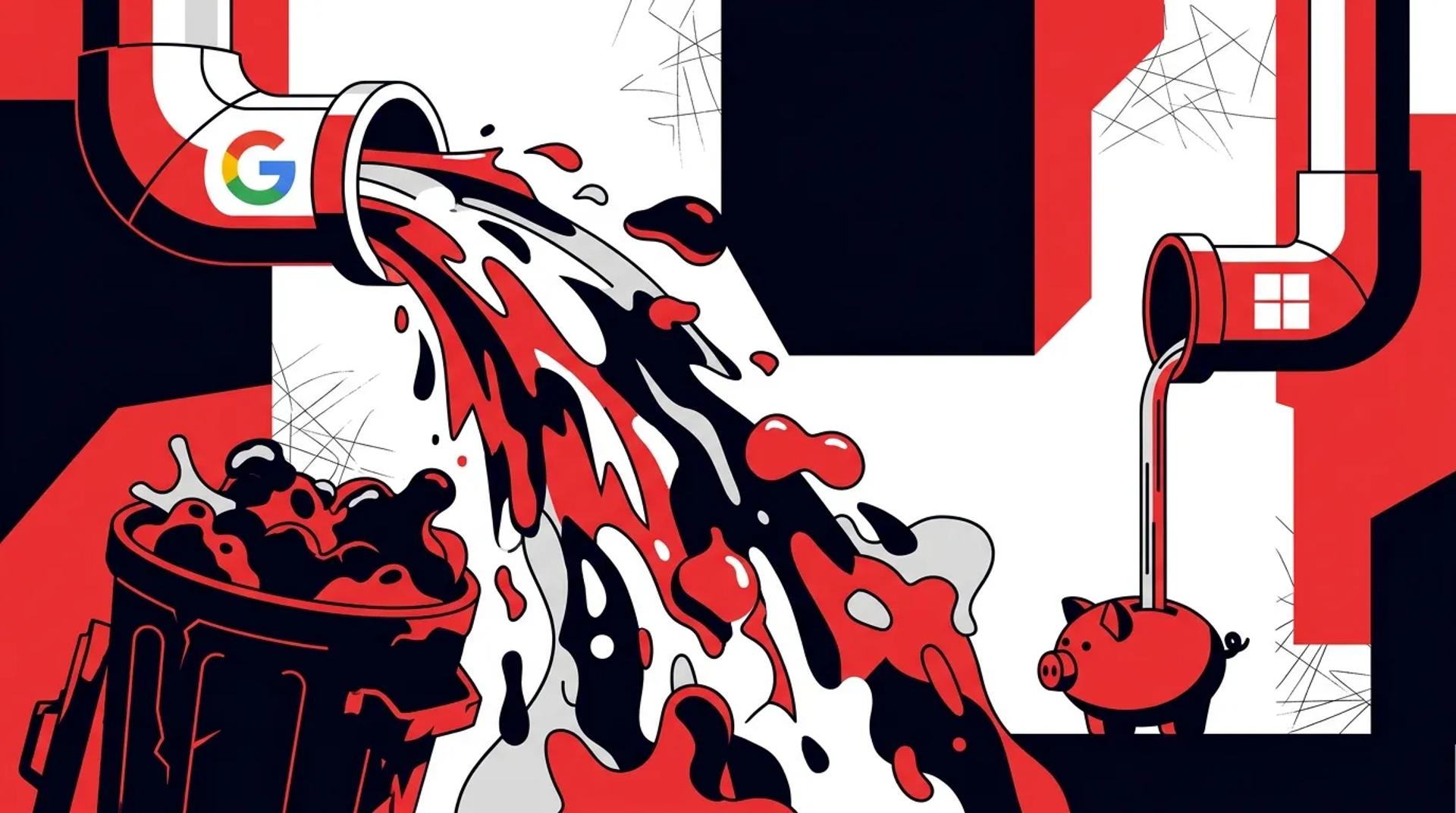

The fastest way to waste money on Microsoft Ads is to import your Google campaigns as-is and walk away. We see this constantly. An account manager clicks “import from Google,” adjusts the budget down, and calls it a Bing strategy. Three months later the account is producing junk leads at the same cost ratios as Google because it inherited every structural problem from the source account.
Bing Ads lead generation works when you treat Microsoft Ads as its own channel with its own audience, its own search behavior, and its own optimization requirements. The goal is not to mirror Google. It is to find the efficient search volume that Bing uniquely offers and capture it without importing the waste you have already identified on Google.
We run Microsoft Ads for lead gen clients across legal, home services, healthcare, and B2B. The accounts that perform are the ones we build specifically for the platform. Here is the process.
Why the Google import creates problems
Microsoft Ads makes importing from Google easy on purpose. They want your spend. But the import tool copies everything. Good campaigns, bad campaigns, irrelevant ad groups, bloated keyword lists, and outdated negative lists. It treats your entire Google account as a template.
Specific problems the import creates:
- Keywords with zero Bing search volume stay active, cluttering the account
- Bid levels calibrated for Google’s auction do not match Bing’s lower competition
- Audience targets that work on Google may not exist or behave differently on Bing
- Automated bidding strategies need to rebuild learning from scratch with new data
- Geographic targeting may need adjustment since Bing’s user base skews differently by region
The import is a starting point, not a strategy. Treat it as raw material that needs to be cut, reshaped, and rebuilt for the Bing environment.
How to structure Bing campaigns for efficiency
Step 1: start with your best Google performers
Pull a report from Google showing your top 20-30 keywords by cost per booked job (not cost per lead, not clicks). These are the keywords that actually produce revenue. Build your Bing foundation around these proven terms.
Step 2: consolidate campaign structure
Where Google might need 8-10 campaigns to cover your service lines, Bing might only need 4-5. Lower search volume means less need for granular budget control at the campaign level.
| Google Structure | Bing Equivalent | Why |
|---|---|---|
| 8-10 service campaigns | 4-5 consolidated campaigns | Lower volume per keyword |
| 15-20 ad groups per campaign | 5-10 ad groups per campaign | Fewer keyword variations active |
| Broad + phrase + exact per term | Phrase + exact focus | Bing broad drifts more aggressively |
| Automated bidding from day one | Manual or Enhanced CPC first | Build conversion data before automating |
Step 3: set bids 20-30% below Google levels
Bing’s auction is less competitive. Starting bids at Google levels means you overpay for position. Start lower, monitor impression share and average position, and increase only where needed to maintain visibility on your best terms.
Tighten search intent with better negatives
The negative keyword list is the most important optimization lever on Microsoft Ads. Bing’s matching algorithm is less refined than Google’s, which means broad and phrase match terms can match to more irrelevant queries.
Build your Bing negative list by:
- Pulling your Google negative keyword list as a foundation
- Adding known junk terms from your first 30 days on Bing (review search terms weekly)
- Adding industry-specific exclusions for DIY, educational, and informational queries that do not convert
- Creating shared negative lists that apply across all campaigns
We typically find that Bing needs 30-50% more negatives than Google to maintain the same lead quality. Plan for this from the start rather than waiting for the data to deteriorate.
Search terms to watch on Bing
Bing users tend to search with longer, more conversational queries. This means broader matching happens more often. Watch for:
- How-to and DIY queries matching to your service terms
- Location names matching to cities you do not serve
- Job-seeking queries (“plumber jobs,” “HVAC technician salary”)
- Competitor name queries when you have not excluded them
Use Bing’s unique audience tools
Bing Ads lead generation has audience capabilities that Google does not offer, particularly LinkedIn profile targeting. This is a significant advantage for B2B and professional services.
LinkedIn targeting options on Microsoft Ads:
- Job function (Marketing, Finance, IT, Operations)
- Industry (Healthcare, Manufacturing, Professional Services)
- Company name (target employees of specific organizations)
Layer these audience targets on top of your search campaigns as bid modifiers or observation targets. For B2B lead gen, adding a +25% bid adjustment for searches from people in your target industry can significantly improve lead quality.
Other audience strategies specific to Bing:
- In-market audiences for high-intent service categories
- Remarketing lists imported from your website (set up separately, not imported from Google)
- Custom audiences based on customer email lists
- Similar audiences built from your converter profiles
| Audience Type | Best For | Implementation |
|---|---|---|
| LinkedIn job function | B2B, professional services | Bid modifier +15-30% |
| In-market audiences | High-intent service searches | Observation first, then targeting |
| Remarketing | Re-engaging site visitors | Dedicated RLSA campaigns |
| Customer match | Upsell and cross-sell | Suppression or bid boost |
Which KPIs to track on Bing vs Google
Do not evaluate your Microsoft Ads strategy using Google’s benchmarks. Bing has different norms. Judging Bing by Google’s volume is like judging a sedan by a truck’s towing capacity. Different tool, different job.
Bing-specific KPIs that matter:
- Cost per booked job. The north star. Should be equal to or lower than Google
- Impression share on core terms. Are you capturing available demand? Aim for 70%+ on your best keywords
- Search term match quality. What percentage of matched queries are relevant? Track weekly
- Incremental volume. Are Bing leads reaching customers you do not already reach through Google?
- CRM close rate by source. Bing leads should close at comparable or better rates
What not to obsess over:
- Total click volume (it will always be lower than Google)
- Absolute impression numbers
- Quality Score (less predictive on Bing than on Google)
- Platform-reported conversion counts without CRM validation
A 90-day Bing launch plan
Building efficient Bing Ads lead generation takes a phased approach. Rushing to scale before the foundation is solid wastes budget.
Days 1-30: Foundation
- Import top Google performers only (top 20-30 keywords by revenue)
- Set bids at 70-80% of Google levels
- Apply comprehensive negative keyword list
- Set up conversion tracking independently (not mirrored from Google)
- Use Manual CPC or Enhanced CPC bidding
Days 31-60: Optimization
- Review search terms weekly and expand negatives
- Add audience layers (LinkedIn, in-market, remarketing)
- Test ad copy variations specific to Bing’s audience
- Begin expanding keyword list based on Bing’s own search term data
- Evaluate cost per booked job against Google benchmarks
Days 61-90: Scaling
- Shift to automated bidding if conversion volume supports it (15+ per month)
- Expand to additional service lines or geos where Google data shows opportunity
- Test Microsoft Audience Network for prospecting (with careful monitoring)
- Establish ongoing reporting cadence comparing Google Ads vs Microsoft Ads performance
Frequently asked questions
How much of my paid search budget should go to Microsoft Ads?
Start with 15-20% of your total paid search budget. After 90 days of data, adjust based on cost per booked job. We have clients running 30-40% of their budget on Bing because the efficiency justifies it. Let performance decide the split.
Is Microsoft Ads worth it for local service businesses?
Yes. Bing has meaningful search volume for local service queries, especially on desktop during business hours. The audience tends to be homeowners and professionals with higher budgets. For home services, legal, and financial services, Bing consistently adds efficient incremental leads.
How often should I review search terms on Bing?
Weekly for the first 90 days, then biweekly once the account stabilizes. Bing’s matching is less precise than Google’s, so ongoing negative keyword management is critical. Set a calendar reminder and treat it as non-negotiable.
Can I use the same landing pages for Bing and Google?
Yes, but test Bing-specific variations. Bing’s desktop-heavy audience may respond differently to page layouts. We sometimes see higher conversion rates on Bing with longer-form landing pages since the audience is more likely to read before converting.
Build a Bing program that actually adds value
Efficient Microsoft Ads require more than an import and a prayer. They require a structure built for the platform, negatives that match Bing’s matching behavior, and audience strategies that leverage Bing’s unique tools. Talk to a Paid Search Strategist who can build a Microsoft Ads program that adds qualified volume to your pipeline without duplicating the waste from your Google account.
References
- Microsoft Advertising. Microsoft Advertising Audience Network and LinkedIn Profile Targeting.
- Search Engine Journal. Microsoft Ads vs Google Ads: Key Differences for Advertisers.
- WordStream. Bing Ads Benchmarks by Industry.
