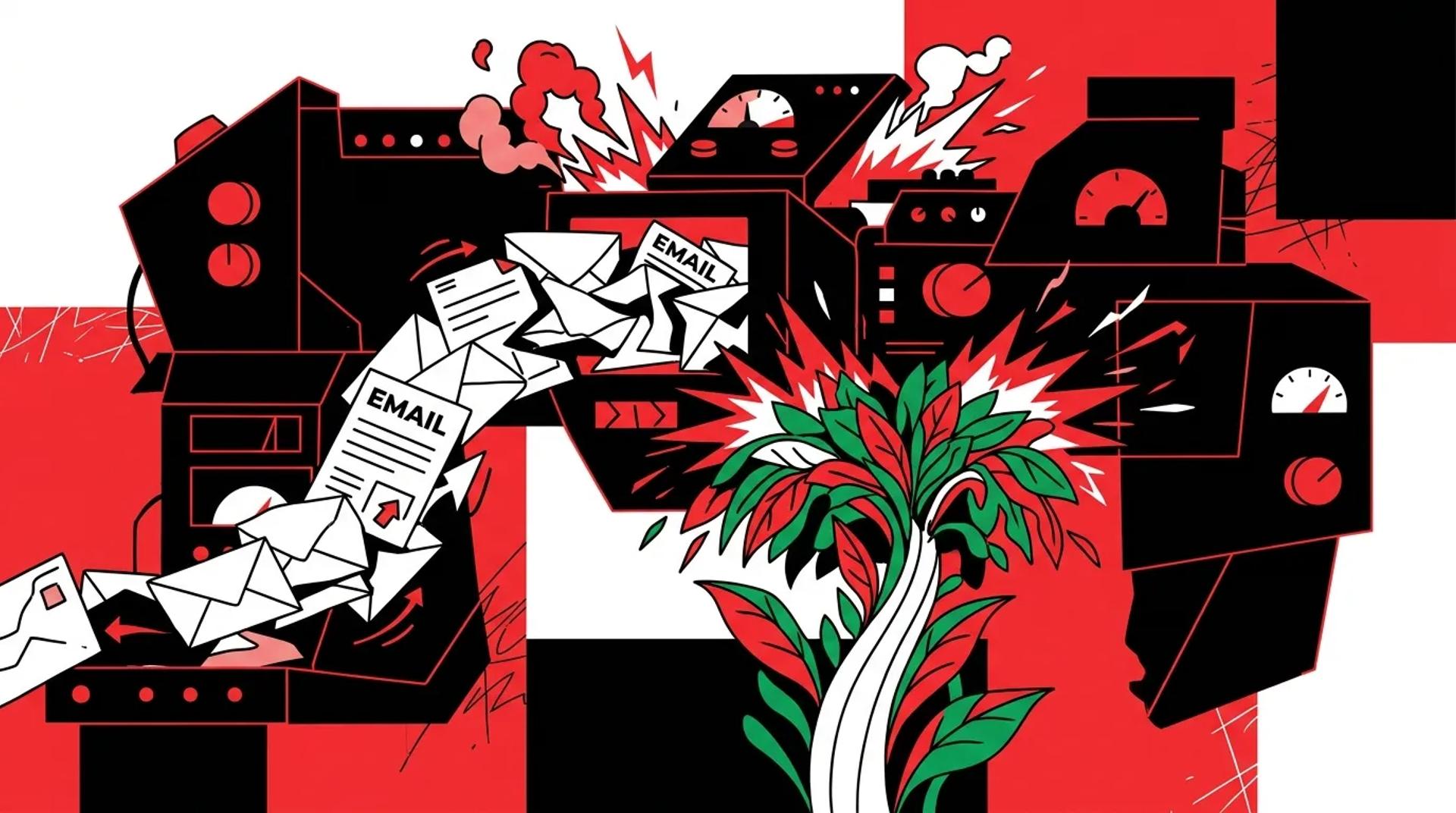

You’re sending emails. Open rates look acceptable. Click rates aren’t terrible. But when you trace email back to actual booked jobs and revenue, the numbers are flat. Or worse, you can’t trace them at all.
This is the most common scenario we encounter when auditing email programs. The symptoms are subtle because the surface metrics look fine. The real damage happens underneath. Leads go cold because follow-up is slow. Contacts disengage because every email feels generic. Sales has no visibility into what marketing sent. And nobody can tie email activity back to money.
If your email channel is producing activity but not revenue, there are specific operational and structural issues causing the gap. Here are the ones we see most often.
How weak email marketing shows up in the funnel
The signs don’t always look like email problems. They show up as:
- Slow lead response: New leads wait hours or days for their first email
- Low appointment rates: Leads engage with content but never book
- Sales complaints: Reps say leads are “cold” even when they just came in
- Flat revenue attribution: Email gets credit for opens, not revenue
- High unsubscribe rates: Contacts opt out because messaging isn’t relevant
These symptoms point to systemic issues, not creative ones. Better subject lines won’t fix a broken email segmentation strategy.
The most common setup mistakes
No segmentation beyond “Subscribed”
The single biggest drag on email performance is treating every contact the same. When your entire database gets the same newsletter, the same promo, and the same drip sequence, you’re optimizing for volume and destroying relevance.
A real email segmentation strategy segments by:
- Lifecycle stage (new lead, engaged, opportunity, customer, inactive)
- Lead source and quality tier
- Service interest or product category
- Engagement recency (opened in last 30, 60, 90 days)
- Geographic or market-specific factors
Automations that were set and forgotten
We audit email systems where the welcome sequence hasn’t been updated in two years. The offers are expired. The branding is outdated. Some links are broken. These automations are running 24/7, silently damaging your brand and wasting every new lead’s first impression.
Automation isn’t “set it and forget it.” It’s “set it, measure it, and improve it every quarter.”
No connection between email and CRM
If your email platform and CRM are disconnected or loosely synced, you’re operating blind. Marketing doesn’t know which leads converted. Sales doesn’t know what emails a lead received. Nobody can build an accurate picture of the customer journey.
This disconnect also kills email marketing for lead generation because you can’t score, segment, or route leads based on email behavior if the data doesn’t flow both ways.
Deliverability issues nobody is watching
Spam placement, authentication failures, and list hygiene problems silently erode performance. If your domain reputation is damaged or your lists include high-bounce addresses, a significant portion of your emails never reach the inbox.
Symptoms vs. root causes
| Symptom | What It Looks Like | Root Cause |
|---|---|---|
| Low open rates | Under 15% consistently | Poor segmentation or deliverability issues |
| High unsubscribes | Over 0.5% per send | Irrelevant content, over-frequency |
| Flat revenue from email | Opens/clicks but no conversions | No lifecycle automation, weak CTAs |
| Sales ignoring email leads | Reps say leads are cold | Slow response time, no engagement context |
| Can’t report on email ROI | No revenue attribution | CRM not connected to email platform |
Why clean data matters more than creative
You can write the best email copy in the world. If it’s going to the wrong segment, hitting an invalid address, or arriving three days after the lead submitted a form, none of it matters.
Data quality issues we find in almost every audit:
- Duplicate contacts receiving the same email multiple times
- Missing or incorrect source data making segmentation impossible
- Stale lists with contacts who haven’t engaged in 6+ months dragging down metrics
- Inconsistent field values (e.g., “Google Ads” vs “google” vs “PPC” in the same source field)
Cleaning your data isn’t glamorous work. But it’s the foundation of every email marketing strategy that actually produces revenue.
What to prioritize first
If you’re seeing these issues, here’s the order of operations we recommend:
- Fix deliverability: Authenticate your domain (SPF, DKIM, DMARC), clean your list, remove hard bounces and long-inactive contacts
- Connect email to CRM: Establish bi-directional sync so lead behavior and sales outcomes share the same record
- Build lifecycle segmentation: At minimum, separate new leads, active prospects, customers, and inactive contacts
- Rebuild the lead response sequence: Ensure every new lead gets a relevant email within five minutes
- Audit existing automations: Kill anything outdated, broken, or underperforming
- Add revenue attribution: Tag email-influenced deals in your CRM so you can report on actual ROI
Don’t try to fix everything at once. Start with the items that directly impact lead response time and data quality. Those two fixes alone will move the needle.
How Ad Leverage audits email systems
We run a structured audit that covers every layer: deliverability, list health, segmentation logic, automation architecture, CRM integration, and reporting. We score each area and produce a prioritized fix list ranked by revenue impact.
Most audits reveal three to five high-impact fixes that can be implemented within 30 days. The rest goes into a phased roadmap. We’ve seen businesses recover 20 to 40% of lost email performance just by cleaning data and fixing their lead response sequence.
Frequently asked questions
How do I know if my email deliverability is a problem?
Check your domain reputation using tools like Google Postmaster. If your inbox placement rate is below 90%, or if you’re seeing consistent spam complaints, deliverability is costing you reach and revenue.
Should we pause all emails while we fix the system?
No. Keep revenue-critical automations running (lead response, booking confirmations). Pause promotional and nurture sends until segmentation and data quality are fixed. This protects deliverability while you clean up.
How often should we audit our email setup?
Full audits quarterly. Deliverability and list health checks monthly. Automation performance reviews every six weeks. The businesses that treat email as a system rather than a channel maintain performance over time.
What’s the fastest fix with the biggest impact?
Speed-to-lead automation. If your first email to a new lead takes more than five minutes, fixing that single workflow will improve contact rates, appointment rates, and downstream revenue.
Stop letting a broken email setup cost you revenue
If email is producing activity reports but not pipeline, the setup needs work. Talk to a CRM & Email Strategist to get a clear audit and a prioritized fix list tied to revenue outcomes.
References
- Google Postmaster Tools, “Domain Reputation and Delivery Metrics”
- HubSpot, “Email Marketing Benchmarks by Industry”
- Validity (Return Path), “Email Deliverability Benchmark Report”
