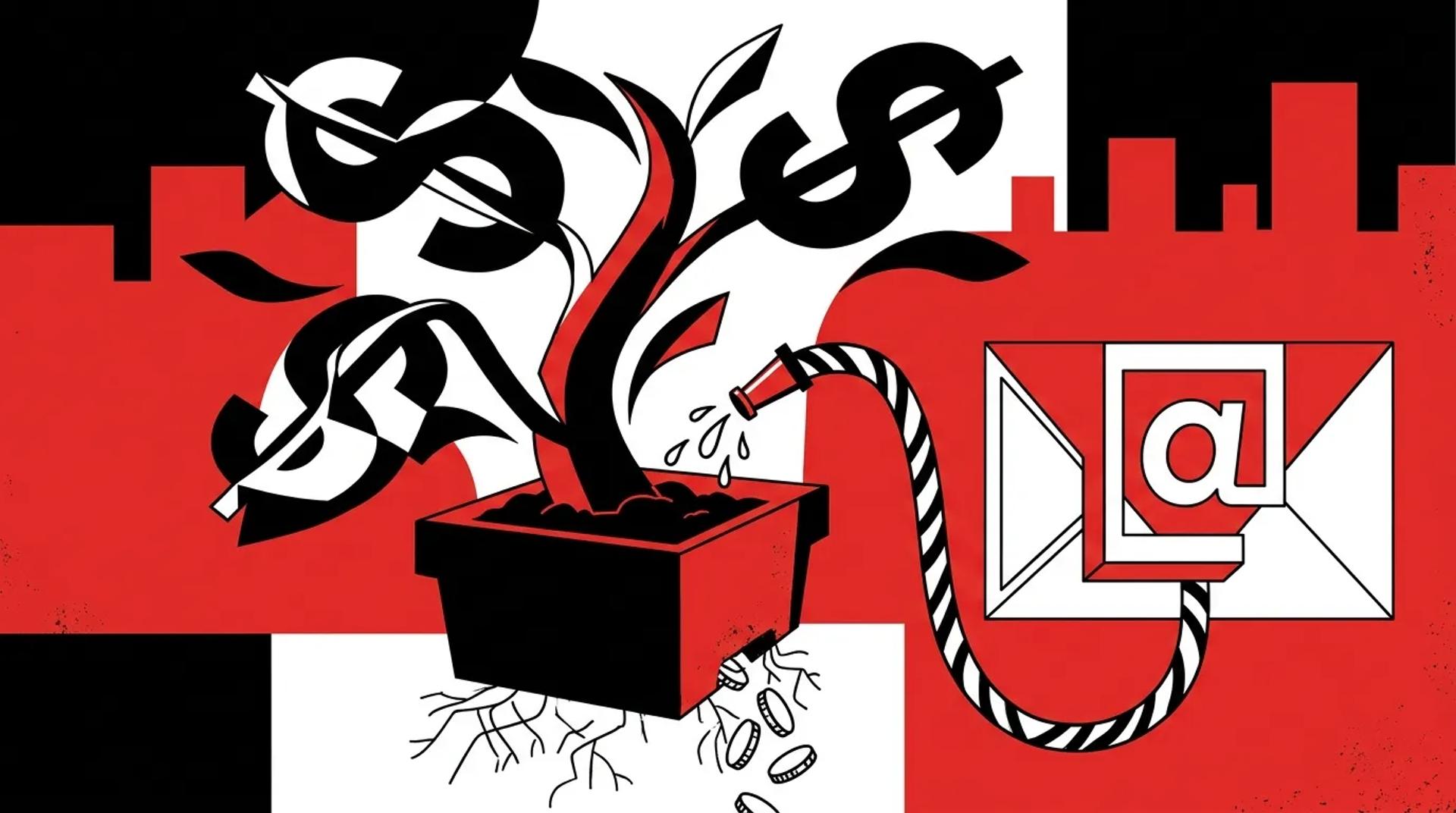

Most email programs are built around sends, not systems. Teams stack campaigns on top of each other without a clear architecture connecting lead capture to sales follow-up to retention. The result is noise. Open rates look fine, but pipeline stays flat.
A real email marketing strategy treats email as infrastructure. It moves leads through stages, arms sales with context, and produces data your team can actually act on. When we audit email programs, the gap between “we send emails” and “email drives revenue” is almost always a structural one.
If email isn’t contributing to booked jobs and measurable pipeline growth, the problem isn’t your subject lines. It’s the system underneath.
What a revenue-driving email system actually does
The difference between email as a cost center and email as a revenue channel comes down to five functions:
- Lead response: Instant confirmation and next-step messaging within minutes of form fill or call
- Sales support: Automated sequences that keep prospects warm between touchpoints
- Nurture: Long-cycle drip campaigns segmented by intent, service interest, or lead score
- Retention: Post-sale messaging that drives repeat business, referrals, and reviews
- Reporting: Closed-loop data that ties email activity back to actual revenue
Most teams nail one or two of these and ignore the rest. That leaves money on the table at every stage.
Where most email programs break down
Treating every contact the same
Batch-and-blast is still the default for most businesses. One list, one message, one send. This kills engagement over time and trains your audience to ignore you.
A strong email segmentation strategy separates contacts by lifecycle stage, engagement recency, service interest, and lead source. The business that sends a re-engagement offer to a cold contact and a booking reminder to a hot lead will always outperform the one blasting the same newsletter to everyone.
No speed-to-lead automation
We consistently see businesses waiting hours or even days to follow up on inbound leads via email. Research from multiple sources confirms that response time within the first five minutes dramatically increases contact and qualification rates.
If your first automated email fires 24 hours after a form submission, you’re handing leads to competitors who respond faster.
Disconnected data
Email platforms that don’t sync with your CRM create blind spots. Sales doesn’t know what marketing sent. Marketing doesn’t know which leads converted. Nobody can attribute revenue accurately.
The fix is integration. Your email tool, CRM, call tracking, and reporting layer need to share data in real time.
How to structure email for speed and clarity
Here’s the framework we use when building email marketing for lead generation and full-lifecycle programs:
- Map the lifecycle stages: Define what “new lead,” “engaged,” “opportunity,” “customer,” and “inactive” mean for your business
- Build trigger-based sequences: Every stage transition should fire a relevant email within minutes
- Segment by intent signals: Page visits, form fills, call recordings, and email engagement all inform what to send next
- Create sales-assist content: Emails that help reps close, not just marketing emails that fill inboxes
- Set suppression rules: Prevent over-sending and protect deliverability by capping frequency per contact
Email system architecture comparison
| Component | Basic Setup | Revenue-Driving Setup |
|---|---|---|
| Lead response time | Manual or 24hr+ delay | Automated under 5 minutes |
| Segmentation | One list, batch sends | Lifecycle stage + intent-based |
| CRM integration | None or one-way sync | Bi-directional, real-time |
| Sales visibility | Reps have no email context | Reps see full engagement history |
| Attribution | Opens and clicks only | Tied to booked jobs and revenue |
| Retention emails | None | Post-sale drips for reviews and referrals |
What data and integrations actually matter
Not every integration is worth the effort. Focus on the connections that close the loop between marketing activity and revenue outcomes.
Must-have integrations:
- CRM sync: Contact records, deal stages, and outcomes flow both directions
- Call tracking: Inbound calls triggered by email get attributed correctly
- Form and landing page data: Every conversion point feeds into the same contact record
- Revenue data: Closed-won amounts tied back to the email sequences that influenced them
Nice-to-have:
- Review platform triggers (post-job review requests)
- Scheduling tool integration (booking confirmations and reminders)
- Customer portal activity (login frequency, service requests)
The goal is one source of truth. When your email platform, CRM, and reporting dashboard all agree on which emails drove which revenue, your email marketing strategy becomes a growth lever you can actually measure and scale.
How Ad Leverage designs email systems
At Ad Leverage, we don’t start with templates. We start with your revenue model. What does a booked job look like? How long is the sales cycle? Where do leads fall out?
From there, we build the system: lifecycle stages, trigger logic, segmentation rules, CRM integration, and a reporting layer that connects email sends to closed revenue. Every email has a purpose tied to pipeline movement. Nothing ships without a clear role in the buyer journey.
We’ve rebuilt email programs for businesses spending six figures a month on lead generation who had zero automation in place. The results are always the same. Faster follow-up, higher contact rates, and more revenue attributed to email within the first 90 days.
Frequently asked questions
How many emails should we send per week?
There’s no universal number. The right frequency depends on your lifecycle stages, audience, and offer cadence. What matters more than volume is relevance. A segmented program sending three targeted emails per week will outperform a blast-to-all sending daily.
Do we need a separate tool from our CRM?
It depends on your CRM’s native email capabilities. Some platforms handle lifecycle automation well. Others require a dedicated email tool. The key requirement is bi-directional data sync so nothing falls through the cracks between marketing and sales.
How long before we see results from a new email system?
Most businesses see measurable improvements in lead response time and contact rates within the first 30 days. Revenue attribution takes longer, typically 60 to 90 days, because you need enough data flowing through the system to see patterns.
What’s the biggest mistake in email marketing?
Treating email as a broadcast channel instead of a response system. The businesses that win with email use it to accelerate sales conversations, not just push content.
Ready to make email a real revenue channel?
If your email program is generating activity but not pipeline, the system needs work. Talk to a CRM & Email Strategist and we’ll show you exactly where the gaps are and what to fix first.
References
- HubSpot, “The Ultimate List of Email Marketing Stats”
- Google / BCG, “The Role of Speed in Lead Conversion”
- Litmus, “State of Email Workflows Report”
