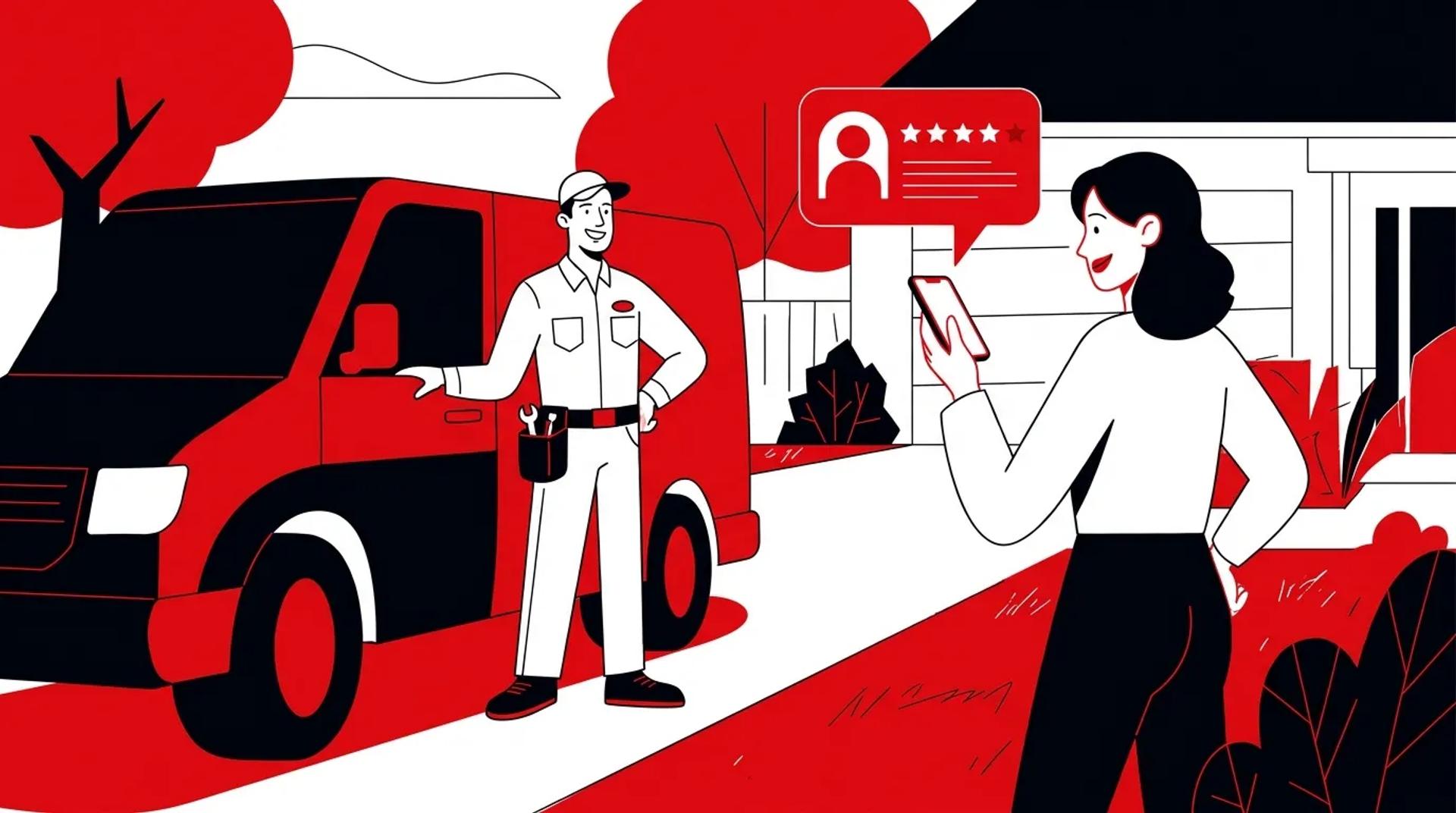

For most HVAC and home service contractors, Nextdoor works first as a recommendation channel and second as an ad channel. Ads there appear in a neighbor’s feed, not in response to a search, so they will not replace Local Services Ads or Google Search for emergency calls.
Where Nextdoor ads for contractors do earn budget is planned work: tune-ups, maintenance plans, and replacement shoppers in neighborhoods where people already recommend you. Without recommendations behind them, ads have very little trust to build on.
Nextdoor’s 2026 changes make that order matter more. Its new Local Faves hub surfaces businesses based on what verified neighbors do, not on what a business spends.
Key takeaways
- Recommendations drive organic visibility. Nextdoor ranks businesses in Local Faves and its Recommendations sections using Faves, recommendations, and neighbor mentions.
- Spread matters as much as volume. Recommendations across many neighborhoods widen who can see you, while depth in one neighborhood lifts your rank there.
- Nextdoor ads fit planned work. Feed ads suit tune-ups and maintenance plans in shoulder seasons. Emergency calls belong to search.
- Verify pricing yourself. Published Nextdoor cost estimates contradict each other, and some still quote minimums that are years out of date.
- An empty page has a cost. Nextdoor may suggest Thumbtack pros for some service categories, so a contractor with no recommendations can lose the neighbor to a lead marketplace.
How Nextdoor decides which contractors neighbors see
Nextdoor shows businesses to neighbors based on community engagement: Faves, recommendations, and mentions in posts. Ads add reach, but your organic visibility follows what verified neighbors say about you.
That engagement is a big part of the platform. Nextdoor says neighbor recommendations make up nearly 30% of all content on Nextdoor, and that both neighbors and businesses are verified.
In a 2026 press release, the company reported nearly 75 million Faves across nearly 6.6 million businesses worldwide. It described Local Faves as its first dedicated hub for discovering local businesses.
What the new discovery hub rewards
According to Nextdoor’s Local Faves help page, businesses appear based on Faves, recommendations, and mentions. The number of Faves affects how prominently a business shows up in Local Faves and in other parts of the app.
A Fave is Nextdoor’s signal that a neighbor vouches for you. Redesigned business pages in the US, UK, and Canada now show contact details, Faves, recommendations, posts, and Fave Awards together, so a thin page is easy for a homeowner to spot.
Where your business page can appear
Nextdoor lists several places a business page can show up:
- In search results for neighbors within 50 miles of your business address
- In the Ask feature, which Nextdoor introduced in its July 2025 redesign for finding local services, starting in select US markets
- Through your own business posts and ads
- When a neighbor recommends you
Nextdoor’s own advice is to get at least one recommendation and complete your page. Treat that as the floor, not the goal.
How recommendations spread your reach
Nextdoor’s recommendations FAQ makes two points that should shape your plan. More recommendations across different neighborhoods means more neighbors can see your page, and more recommendations within one neighborhood means a higher rank in that neighborhood’s Recommendations section.
Only verified neighbors can recommend a business. These sections reflect real customers, not ad spend.
Why an empty page can send neighbors to a marketplace
Nextdoor’s business pages help section says it may suggest pros provided by Thumbtack for some service categories. If a neighbor looks for furnace help and your page has no recommendations, that person may end up with marketplace pros instead of calling your office.
That turns a free neighbor referral into a marketplace lead that someone else may win. Recommendations are the cheapest defense you have.
Which HVAC jobs belong on Nextdoor and which belong on Google
Match the channel to the homeowner’s urgency. Emergency repairs belong to search, where the homeowner is actively looking, while tune-ups and maintenance plans fit Nextdoor, where the homeowner is scrolling a neighborhood feed.
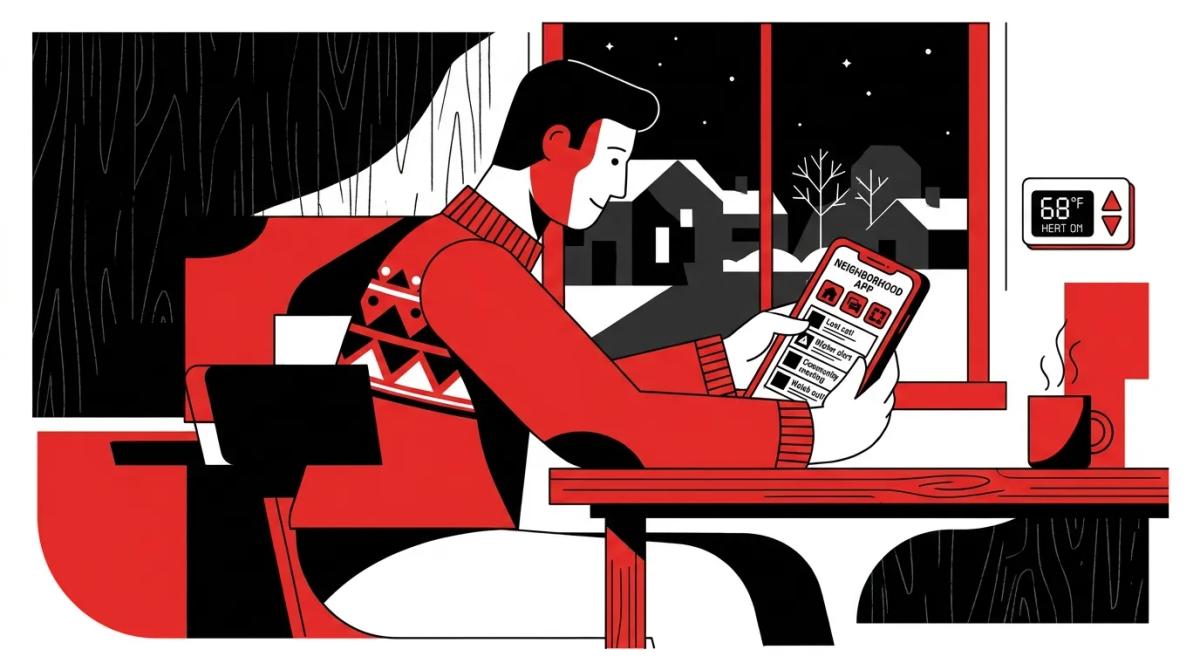
Nobody with a dead furnace at 9 p.m. opens a feed and waits for an ad. They search, call, and book whoever answers. A homeowner reading neighborhood posts on a mild October afternoon is a different buyer.
| Job type | Homeowner behavior | Best first channel | Nextdoor’s role |
|---|---|---|---|
| Emergency repair (no heat, no cool) | Searching and calling right now | Local Services Ads and Google Search | Recommendations in “who do you use?” threads |
| Non-urgent repair | Asking neighbors, comparing a few names | Google Search and Nextdoor organic | Replies to threads that mention you |
| System replacement | Researching over days or weeks, looking for trusted names | Google Search, backed by Nextdoor organic | Recommendations and Faves that support your quote |
| Tune-up or maintenance plan | Not shopping, but open to a timely reminder | Nextdoor ads, Meta ads, email | Feed ads in shoulder seasons, aimed at neighborhoods that recommend you |
The first cold snap test
The first cold snap of the season is when “who do you use for furnaces?” threads tend to appear. Those threads are free, high-trust, and decided by who neighbors already know.
If you have done good work in that neighborhood, your past customers can name you, and Nextdoor lets businesses comment on posts that mention them. If nobody in that area has recommended you, the thread answers itself without you.
How Nextdoor ads compare with pay-per-lead search ads
Local Services Ads show up when someone searches Google for a service and are charged per lead. Nextdoor ads show up in a neighbor’s feed whether or not that person is shopping. Putting a Nextdoor CPM next to an LSA cost per lead compares two different things.
The fair comparison is cost per booked job, by job type. Give Nextdoor campaigns their own tracking number and campaign in ServiceTitan so you can see whether those calls turn into maintenance memberships, one-off tune-ups, or nothing. If emergency volume is your goal, our Local Service Ads work is the better starting point.
Nextdoor vs Facebook ads for contractors
Meta usually offers broader reach and more creative and audience options. Nextdoor’s edge is context: verified neighbors, with your recommendations and Faves a tap away from the ad.
For a maintenance plan push, the two work well together rather than as rivals. Our breakdown of what a strong paid social strategy looks like covers how to split budget and creative across platforms.
What Nextdoor ads cost, and why the numbers online disagree
There is no reliable public consensus on Nextdoor ad pricing, so check the current minimum and pricing model inside Nextdoor’s own ad tools before you set a budget. Treat any number on a third-party page as a question to verify, not an answer.
Estimates published by agencies and vendors disagree on cost per thousand impressions and on minimum spend. Some say a few dollars a day gets you started, while older coverage from 2020 and 2022 still ranks with a $15,000 monthly minimum that is years out of date.
Rather than add another unverified number to the pile, here is what to confirm yourself before money moves.
- Current minimum spend. Check Nextdoor’s ads manager or business.nextdoor.com for the minimum on the format you plan to run.
- Pricing model. Confirm whether you are paying for impressions or clicks on that format, since it changes how you read results.
- Targeting options. Make sure the neighborhoods or ZIP codes you can select match your actual service area and drive times.
- Ad format. Know whether you are buying feed ads or a sponsorship, because eligibility and pricing differ.
- Tracking setup. Assign a unique call tracking number and a matching ServiceTitan campaign before launch, not after.
- Sponsorship eligibility. Confirm your trade qualifies before anyone pitches you a Neighborhood Sponsorship.
Pro tip: When you check Nextdoor’s pricing, write the date next to the numbers in your marketing notes. Platforms change minimums and formats, and a dated note stops your team from budgeting off an old screenshot.
Can HVAC companies buy a Neighborhood Sponsorship?
Possibly, but do not assume it. Nextdoor’s Neighborhood Sponsors help topic lists eligible categories as real estate, home renovation, insurance, mortgage, and rentals. HVAC is not named.
Remodelers fit the home renovation label most clearly. HVAC, plumbing, roofing, and garage door companies should ask Nextdoor directly before building a plan around sponsorships, even when someone calls them the obvious move.
How much to budget for a first test
There is no honest universal number. Size the test around the work it should produce: enough spend, over enough weeks, to reasonably book a handful of tune-ups or maintenance plans in neighborhoods where you already have recommendations.
Set the floor from Nextdoor’s current terms, run it in a shoulder season, and judge it on booked jobs and memberships rather than clicks.
A recommendations-first plan for Nextdoor
Build organic visibility first, then pay to extend it. Claim and verify your page, collect recommendations across many neighborhoods, answer threads that mention you, and only then test ads.
- Claim and verify your business page. Fill in contact details, service area, hours, and real photos of your techs and trucks. Nextdoor advises completing the page and getting at least one recommendation.
- Map your neighborhoods. List the neighborhoods where you run the most calls and mark where you have zero recommendations. Those gaps tell you where to ask next.
- Ask for recommendations after good jobs. Only verified neighbors can recommend you, so make the ask part of post-job follow-up, either from the tech on site or by text once the job closes.
- Spread first, then deepen. Breadth across neighborhoods widens who can see your page. Depth inside your core neighborhoods lifts your rank in their Recommendations sections.
- Reply to threads that mention you. Give one person ownership and have them check daily during peak season. A short, helpful comment from the owner or office manager reads very differently from silence.
- Test ads where trust already exists. Start with tune-ups and maintenance plans in a shoulder season, aimed at neighborhoods that already recommend you.
- Measure in booked jobs. Review cost per booked job and membership signups from the Nextdoor campaign, then decide whether to expand, pause, or shift budget.
Step 5 is where most contractors fall down. Our guide to strong community management strategy covers who should own replies and how fast they need to happen.
How to handle a complaint thread or negative recommendation
Respond once, publicly, and fast. Acknowledge the problem, skip the argument over details, and offer a direct way to reach a named manager, for example “Call our office and ask for Dana.”
Then fix it offline. If the customer is satisfied, they can update the thread themselves, which carries far more weight than anything you post.
Do not ask employees, friends, or family to pile into the thread. Neighbors notice, and it turns one complaint into a story. We cover more traps like this in the biggest reputation management mistakes we see.
Pro tip: Your reply in a complaint thread is written for every neighbor who finds it later, not just the upset customer. Calm, specific, and short beats defensive every time.
How Ad Leverage approaches Nextdoor for home service companies
We treat Nextdoor as one piece of a wider paid social and reputation plan, not a standalone channel. Emergency demand stays with search, and Nextdoor gets the planned work it is suited for.
In practice, that means auditing the business page and recommendation spread before suggesting spend, building creative around real techs and real neighborhoods, and tying every campaign to ServiceTitan so results show up as booked jobs. Our Paid Social Media team runs Nextdoor tests alongside Meta when the numbers support it.
We also watch for the usual budget leaks, which we outline in the biggest paid social media mistakes we see in the wild. If you want a second opinion on whether Nextdoor fits your market, reach out to our team.
Frequently asked questions
Are Nextdoor ads worth it for HVAC companies?
They can be, for planned work like tune-ups and maintenance plans in shoulder seasons. They are a weak fit for emergency calls, because ads appear in the feed rather than in response to a search. Most HVAC companies should build recommendations first and test ads only in neighborhoods where they already have some.
How much do Nextdoor ads cost, and is there a minimum budget?
Published estimates disagree widely, and some pages still quote a $15,000 monthly minimum from years ago. Check the current minimum and pricing model in Nextdoor’s ads manager or on business.nextdoor.com, and note the date you checked. Then size a test around the booked jobs you expect it to produce.
Nextdoor ads vs Local Services Ads: which is better for contractors?
They do different jobs. Local Services Ads catch homeowners who are searching right now and are charged per lead, while Nextdoor ads reach neighbors in their feed. Use LSA for emergency demand and Nextdoor for planned work, and compare both on cost per booked job.
Can my business buy a Neighborhood Sponsorship on Nextdoor?
It depends on your category. Nextdoor’s help center lists real estate, home renovation, insurance, mortgage, and rentals as eligible, and HVAC is not named. Confirm with Nextdoor before planning around a sponsorship.
How do I show up in Nextdoor Local Faves?
Nextdoor says businesses appear in Local Faves based on Faves, recommendations, and neighbor mentions, and that Fave count affects how prominently you show up. Complete your business page, ask happy customers for recommendations and Faves, and spread them across the neighborhoods you serve.
Why do Thumbtack pros show up when neighbors search for HVAC on Nextdoor?
Nextdoor’s help center says it may suggest pros provided by Thumbtack for some service categories. If your page has few or no recommendations, neighbors have less reason to find you first. Building recommendations across your service area is the most direct way to stay in front of them.