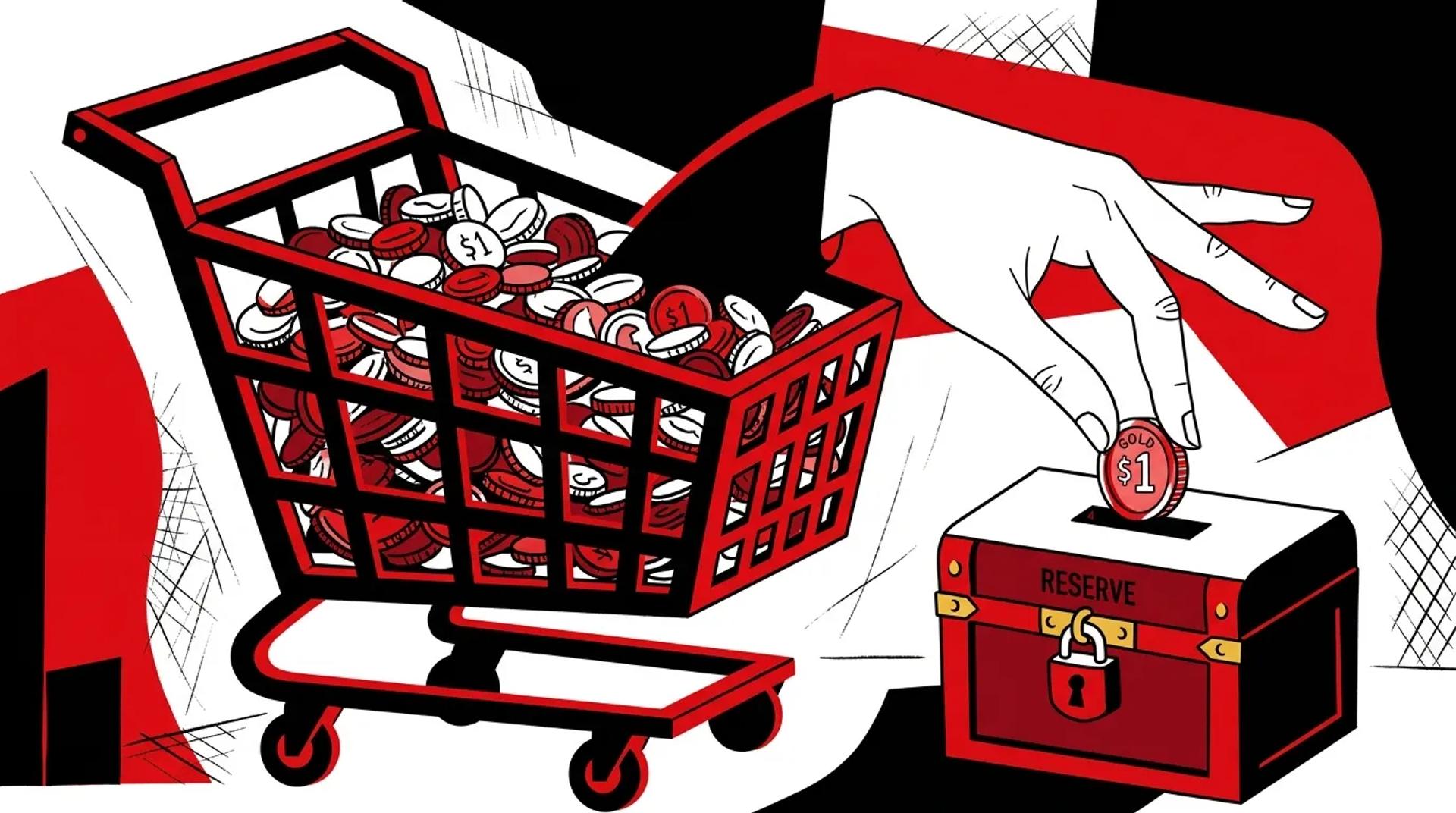

Most ecommerce teams optimize Shopping campaigns for ROAS. That number goes up, everyone celebrates. But ROAS tells you nothing about whether the dollars you made were actually profitable. A 500% ROAS on a product with 15% margins is a losing bet once you factor in shipping, returns, and overhead.
The real Shopping ads strategy that scales is one built around contribution margin, not top-line revenue. We have audited hundreds of Shopping accounts where the “best performing” campaigns were actually the biggest margin destroyers. The fix is structural, not tactical.
This post breaks down how to segment Shopping campaigns by product economics, query intent, and margin tiers so every dollar of ad spend drives profitable growth.
Why revenue and profit are not the same in Shopping
Google reports revenue. Your P&L reports profit. The gap between those two numbers is where most Shopping accounts quietly bleed money.
Here is a scenario we see constantly. A brand sells two product lines:
- Product A: $120 AOV, 60% gross margin, low return rate
- Product B: $200 AOV, 20% gross margin, high return rate
Standard ROAS-based bidding treats Product B as the winner because it generates more revenue per click. But after COGS, shipping, and returns, Product A delivers 3x the contribution margin per conversion.
If your Shopping ads strategy treats all products the same, the algorithm will chase revenue. You need to override that default by building margin intelligence into the campaign structure itself.
The margin math that matters
For every product or product group, calculate:
- Net margin after COGS and fulfillment
- Return rate by SKU or category
- Target CPA that preserves margin (not target ROAS)
This becomes the foundation for everything that follows.
How to segment campaigns by margin and product role
Not every product deserves the same bid, budget, or campaign type. We segment Shopping campaigns into tiers based on the role each product plays in the business.
Tier structure
| Tier | Product Role | Margin | Bid Strategy | Budget Priority |
|---|---|---|---|---|
| Tier 1 | Hero products | High margin, high volume | Aggressive tROAS or manual CPC | Highest |
| Tier 2 | Growth products | Moderate margin, scaling | Moderate tROAS | Medium |
| Tier 3 | Long tail | Low margin or slow movers | Conservative tROAS or low priority | Lowest |
| Exclude | Margin killers | Negative after ad spend | Removed from feed | Zero |
This is not optional segmentation. It is the backbone of a profitable Shopping account. We run separate campaigns per tier so budget does not leak from high-margin products into low-margin ones.
Query intent layering
Within each tier, layer in query intent using campaign priority settings and negative keyword lists:
- High priority campaign: Catches broad, non-brand queries. Lower bids.
- Medium priority campaign: Catches mid-funnel, product-specific queries. Moderate bids.
- Low priority campaign: Catches high-intent, brand, and SKU-specific queries. Highest bids.
This structure ensures you pay less for early-funnel traffic and more for traffic that is ready to buy. Google’s automation alone does not do this well, especially across mixed-margin catalogs.
Which campaign structures create better control
Standard Shopping advantages for profitability
- Full control over search term visibility and negative keywords
- Campaign-level budget isolation by product tier
- Granular bid adjustments by device, location, and schedule
- No budget leaking into Display, YouTube, or Gmail placements
When to layer PMax on top
PMax earns its place when your Standard Shopping campaigns are already profitable and you need incremental reach. Use it for:
- Prospecting new audiences outside of search
- Pushing specific high-margin products into visual placements
- Testing demand for new product lines
The key is running PMax alongside Standard Shopping, not instead of it. Set PMax to a separate budget with its own profitability targets.
How feed quality changes results
Your product feed is the ad. Every field in the feed influences where your products show up, what queries they match, and how they convert. Poor product feed optimization is the single most common reason Shopping campaigns underperform.
Feed fields that move the needle
- Product titles: Front-load the highest-intent keywords. “Men’s Waterproof Hiking Boot” beats “Explorer Pro Series Boot” every time in Shopping.
- Product type and Google product category: These determine auction eligibility. Get them wrong and you compete in the wrong auctions.
- Custom labels: Use these to pass margin data, seasonality flags, and inventory status into Google so you can segment and bid accordingly.
- GTINs and brand: Missing GTINs reduce impression share. Google uses them to match your products against competitor offers.
Feed optimization checklist
- Audit titles for keyword relevance across your top 100 SKUs
- Map custom labels to margin tiers (label_0 = margin tier, label_1 = bestseller flag)
- Suppress out-of-stock and low-margin products automatically
- Test title variations on high-spend products monthly
- Validate GTIN coverage. Anything below 90% is costing you impressions
A clean, margin-aware feed is what separates accounts that scale profitably from accounts that just scale.
How Ad Leverage builds Shopping for profit
We start every Shopping engagement with a product economics audit. Before we touch bids or budgets, we map every product group to its true contribution margin. Then we build the campaign architecture around those numbers.
Our process:
- Margin mapping: We connect your product data to build margin tiers at the SKU level
- Feed restructuring: Titles, custom labels, and supplemental feeds built for auction relevance and bid segmentation
- Campaign architecture: Tiered Standard Shopping campaigns with query funneling, layered with PMax where it earns its place
- Reporting on profit: We report on contribution margin per campaign, not just ROAS. You see exactly which products and campaigns make money after ad spend
The result is a Shopping program that grows revenue and protects margin at the same time.
Frequently asked questions
How do I know if my Shopping campaigns are profitable?
Calculate contribution margin per product group after subtracting COGS, fulfillment, returns, and ad spend. If your “best” ROAS campaigns have low margins after those deductions, they are not actually profitable. Most accounts need SKU-level margin data connected to their ad platform to see this clearly.
Should I use Standard Shopping or Performance Max?
Use Standard Shopping as your profit-focused foundation. It gives you the control to bid differently across margin tiers and query types. Layer PMax on top for incremental reach once your core Shopping campaigns are consistently profitable.
How often should I update my product feed?
At minimum, update daily for pricing and inventory accuracy. Review titles and custom labels monthly. Run a full feed audit quarterly to catch category mapping issues, missing GTINs, and products that have shifted margin tiers due to cost changes.
What ROAS target should I set for Shopping?
ROAS targets should vary by product tier. A high-margin product might be profitable at 300% ROAS. A low-margin product might need 800% to break even. Setting a single ROAS target across the account is one of the most common and expensive mistakes in Shopping.
Ready to stop chasing revenue?
If your Shopping campaigns generate revenue but you are not sure about profit, the structure is the problem. Request a Shopping Ads & Feed Audit and we will map your product economics to your campaign architecture so every dollar of spend drives margin, not just top-line numbers.
References
- Google Merchant Center Help. Product Data Specification. Google.
- Tinuiti. State of Google Shopping Report. Tinuiti Research.
- Optmyzr. Shopping Campaign Segmentation Best Practices. Optmyzr Blog.
