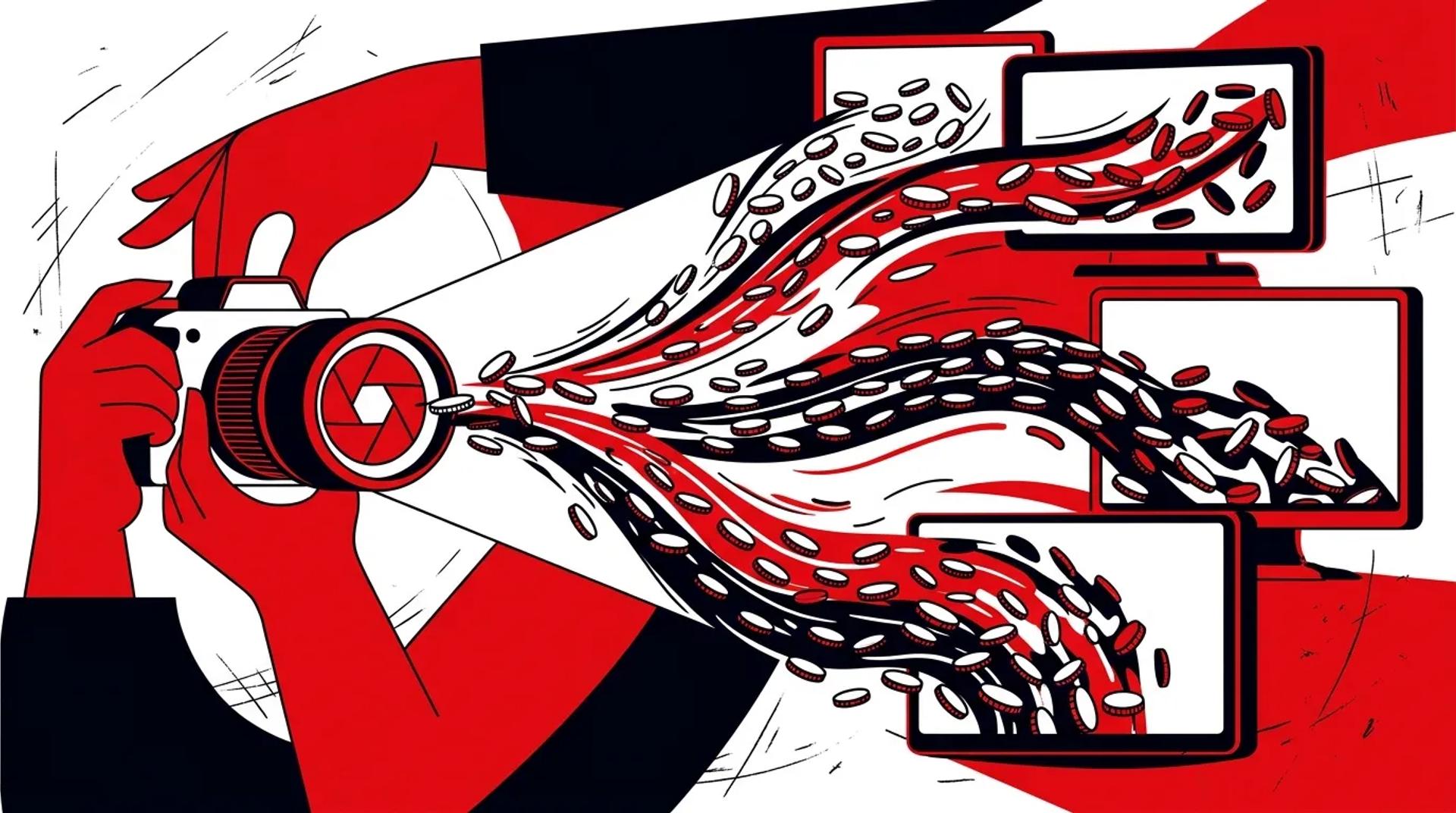

The debate around real photography vs stock photos is settled for any brand that takes conversion seriously. Custom photography outperforms stock across nearly every channel. But most teams still waste their photo shoot budget by producing a handful of hero images and ignoring everything else they could capture in the same session.
A single photo shoot should feed your website, paid ads, social media, email campaigns, sales materials, and PR for 3-6 months. If you are scheduling separate shoots for each channel, you are burning budget and creating brand inconsistency at the same time.
We have helped clients cut their annual marketing photography spend by 35-50% while tripling the number of usable assets. The playbook is not complicated. It just requires planning that most teams skip.
Real photography vs stock photos: the performance gap
Before we get into the multi-channel strategy, let us address the foundational question. Is custom photography worth the investment? Here is what we consistently see in campaign data.
| Metric | Custom Photography | Stock Photography |
|---|---|---|
| Click-through rate (ads) | 2-3x higher | Baseline |
| Landing page conversion | 35-45% higher | Baseline |
| Social engagement rate | 2-4x higher | Baseline |
| Brand recall | Significantly higher | Often unrecognizable |
| Cost per image | $50-$200 (amortized) | $5-$50 per license |
| Exclusivity | 100% yours | Competitors use same images |
The per-image cost of custom real photography vs stock photos is higher on a one-off basis. But when you plan a shoot to produce 100+ images across formats and use cases, the amortized cost drops to stock-level pricing with dramatically better performance.
How to plan one shoot for every channel
The key to multi-channel ROI is pre-production planning. Every shoot should start with a channel-by-channel shot list.
Channel shot list template
- Website: Hero banners (horizontal, wide crop), team headshots, product/service shots, about page lifestyle
- Paid ads: Product-focused images with clean backgrounds, lifestyle shots with space for text overlay, before/after comparisons
- Social media: Behind-the-scenes shots, square and vertical crops, carousel-ready series, quote-card backgrounds
- Email: Header images (600px wide, shallow crops), thumbnail images, CTA button backgrounds
- Sales collateral: High-resolution product shots, team photos, office/workspace shots, client interaction shots
- PR/Media: Executive headshots, branded event photos, milestone documentation
Shoot day efficiency tips
- Start with the most controlled shots (headshots, product photos) when energy and lighting are fresh.
- Capture candid and lifestyle shots throughout the day. These often outperform posed images on social and in ads.
- Shoot every setup in multiple crops: horizontal, vertical, and square. This takes 30 seconds extra per setup and saves hours of awkward post-production cropping.
- Allocate 20% of the day to “social-first” content: raw, behind-the-scenes, process shots. These perform extremely well on Instagram and LinkedIn.
Versioning photography for maximum reach
Once you have your master image library, versioning multiplies your asset count without additional shoots.
- Crop variations: Every horizontal hero image should also exist as a square (social), vertical (Stories/Reels), and tight crop (thumbnail)
- Color treatments: Same image in full color, desaturated, and brand-tinted versions gives your design team flexibility
- Text overlay versions: Pre-build ad-ready versions with headline space, CTA placement, and logo lockups
- Seasonal updates: Swap text overlays and color treatments to keep imagery fresh without reshooting
A single strong image can produce 8-12 usable variations. Multiply that across a 100-image shoot and you have 800-1,200 assets from one production day.
What to measure after launch
Brand photography strategy needs to be measured the same way you measure any marketing investment. Here is what to track:
- Ad performance by image type: Compare click-through rates and conversion rates between custom photos, stock photos, and graphic-only creatives. We almost always see custom photos win.
- Asset utilization rate: What percentage of your photo library is actively deployed across channels? If utilization is below 60%, your shot list was not aligned to channel needs.
- Time to deployment: How quickly do photos move from the shoot to live campaigns? If there is a 3-week bottleneck in editing or approval, that is ROI you are losing.
- Cost per conversion by creative: Track which specific images drive the lowest CPA across your paid channels. Use those insights to inform your next shoot’s shot list.
The photography ROI formula
Here is a simple calculation to evaluate your photography investment:
Total production cost / Number of assets actively deployed = Cost per active asset
If your cost per active asset is under $100 and those assets are driving conversions at or below your target CPA, your marketing photography investment is paying off. If your cost per active asset is over $300, you either produced too few assets or your team is not deploying them effectively.
Frequently asked questions
How often should we schedule photo shoots?
Most brands need 2-4 shoots per year to keep their visual content fresh. The cadence depends on how quickly your products, team, or messaging change. Seasonal businesses may need quarterly shoots. Service businesses can often get by with 2 major shoots per year plus smaller refreshes.
Can we mix stock and custom photography?
Yes, but strategically. Use custom photography for anything customer-facing in paid campaigns, your website hero sections, and social media. Stock can fill gaps for blog post headers, internal presentations, and low-visibility placements. Never use stock for your core brand pages or ad creative.
What is more important: quantity or quality of images?
Both, and that is not a cop-out. You need volume to fill channels, but every image needs to meet a baseline quality standard. We aim for 100-150 final selects from a full-day shoot. That gives you enough variety for multi-channel deployment without sacrificing quality.
How do we handle photography for multiple locations or franchises?
Create a brand photography playbook with specific shot types, lighting guidelines, and composition rules. Then execute regional shoots that follow the playbook. This gives you local authenticity with brand consistency. We manage multi-location shoots for several clients using exactly this model.
Make your next photo shoot work five times harder
If your photography budget produces pretty pictures that sit in a folder, the problem is not the photographer. It is the production plan. Talk to a Production & Creative Lead at Ad Leverage and we will build a shoot plan that delivers assets for every channel from day one.
References
- HubSpot: Visual Content Marketing Statistics and Benchmarks
- Google: Best Practices for Image Ads and Visual Search
- MDG Advertising: The Power of Visual Content in Marketing
