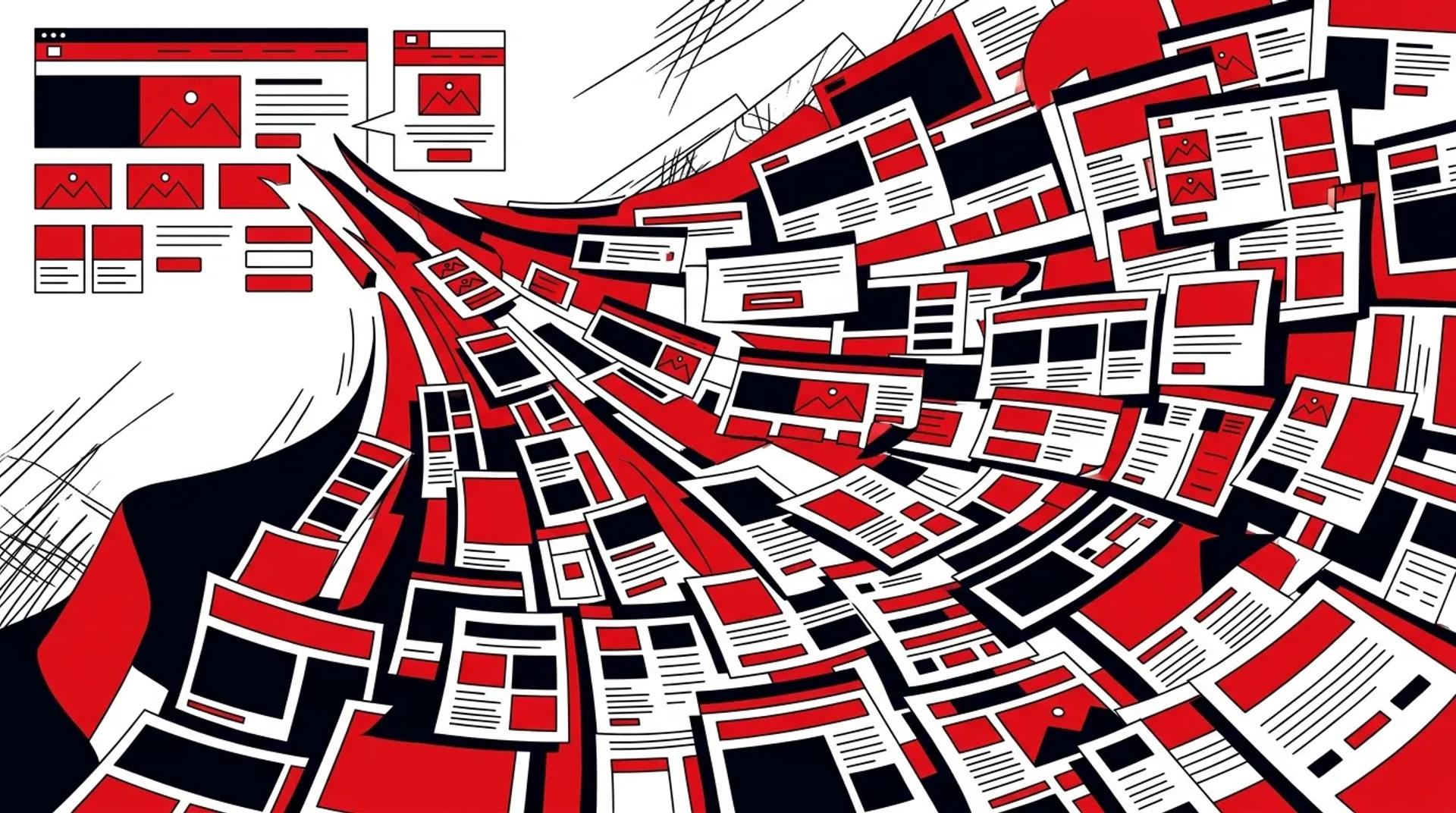

You just finished a website redesign. It took four months and cost six figures. It looks great. Six months later, the marketing team needs 15 new landing pages for a campaign push. Each one requires custom design, custom development, and a two-week turnaround. You are back in the same bottleneck the redesign was supposed to fix.
This is the core problem with treating website design as a one-time project instead of a scalable system. Whether you are comparing landing page vs website design approaches or planning your next redesign, the question is the same: can your team produce new pages fast enough to keep up with your marketing velocity?
Website design for lead generation only scales when the design system behind it is built for reuse. That means modular sections, documented patterns, and a page-building workflow that does not require a designer for every request.
The difference between a website and a website system
Most websites are static artifacts. They are designed once, built once, and then slowly decay as the team bolts on new pages that do not match the original design.
A website system is different. It is a library of tested, reusable sections and page templates that anyone on the marketing team can assemble into new pages without touching code or waiting on design.
| Factor | One-Time Website Build | Website Design System |
|---|---|---|
| New landing page turnaround | 2-3 weeks | Same day |
| Design consistency across pages | Degrades over time | Maintained by the system |
| Marketing team autonomy | Dependent on design/dev | Self-service for most pages |
| A/B testing capability | Requires dev work | Built into the page builder |
| Cost per new page | $2,000-5,000+ | Near zero marginal cost |
The ROI here is straightforward. If your team launches 5-10 new landing pages per month for campaigns, a system pays for itself in the first quarter.
Landing page vs website design: why you need both
Understanding the distinction between landing page vs website design is critical to building the right system.
Your website is your digital headquarters. It serves multiple audiences, tells your brand story, and handles organic traffic across dozens of intent categories. It needs depth, navigation, and information architecture.
Landing pages are single-purpose conversion tools. They strip away navigation, focus on one offer, and drive a specific action. They are built to match the intent of a paid campaign or targeted traffic source.
Your design system needs to serve both. That means:
- Website templates: Full-featured page layouts with navigation, multiple content sections, and internal linking
- Landing page templates: Focused layouts with hero, benefits, social proof, and CTA. No navigation distractions.
- Shared components: Sections like testimonial blocks, pricing tables, FAQ accordions, and form modules that work in both contexts
The five layers of a website design system
Layer 1: design tokens
Colors, typography, spacing, and responsive breakpoints. These are the atomic rules that ensure every page looks like it belongs to the same brand, whether it is a blog post or a campaign landing page.
Layer 2: UI components
Buttons, form fields, cards, badges, icons. Each component has defined styles, states (hover, active, disabled), and accessibility requirements.
Layer 3: content sections
This is where the real leverage lives. Pre-designed, tested sections that snap together to form pages. Hero sections, feature grids, testimonial carousels, pricing comparisons, FAQ blocks, CTA banners. Each section has defined content slots and layout options.
Layer 4: page templates
Standard layouts for recurring page types. Service pages, case study pages, blog posts, campaign landing pages. These templates define the section order and content hierarchy for each page type.
Layer 5: page builder integration
The system is only as useful as the tool that serves it. Whether you use a CMS like Webflow, a headless setup, or a custom builder, the sections and templates need to be available to the marketing team as drag-and-drop building blocks.
How to build it without starting over
You do not need to throw away your current website. Here is how to retrofit a system on top of what you have.
Step 1: Identify Your Section Patterns
Look at your existing pages and catalog the recurring section types. Most websites use 15-25 unique section patterns. Group them, pick the best-designed version of each, and designate those as your standard.
Step 2: Standardize Each Section
For each section pattern, define the layout options, content fields, and style variations. Build them as reusable components in your CMS or development framework.
Step 3: Create Page Templates
Define 4-6 page templates that cover your most common use cases. A homepage template, a service page template, a high-converting website design landing page template, a blog template. Each template is a pre-configured arrangement of sections.
Step 4: Train the Team
Show your marketing team how to build pages using the system. Provide a guide that covers which sections to use for which purposes and how to populate them with content. Most teams are self-sufficient within a week.
Step 5: Measure and Iterate
Track which sections perform best in which contexts. Retire underperformers. Promote winners. Add new sections only when there is a clear need the existing library cannot fill.
What high-converting website design actually requires
High-converting website design is not about following trends. It is about building pages that match visitor intent and reduce friction to conversion. The system should enforce these principles:
- Clear visual hierarchy: Every page has one primary action. The design makes that action obvious.
- Speed: Page load under 3 seconds. System components should be optimized for performance by default.
- Mobile-first layouts: Over 60% of traffic is mobile for most lead generation businesses. Design sections for small screens first.
- Consistent trust signals: Social proof, security badges, and credibility markers placed consistently across all pages.
- Form optimization: Forms are the conversion point. Short, focused, and always above the fold on landing pages.
Frequently asked questions
How long does it take to build a website design system?
A functional system with 15-20 reusable sections and 4-5 page templates typically takes 6-10 weeks. The investment accelerates every future page build, so the payoff is fast for teams producing landing pages regularly.
Can we build a design system on our existing CMS?
Yes. Most modern CMS platforms (Webflow, WordPress with ACF, headless setups with Sanity or Contentful) support component-based page building. The design system is built as reusable blocks within your existing platform.
What is the difference between a design system and a template?
A template is one page layout. A design system is the entire library of sections, components, tokens, and rules that allows you to create unlimited page layouts. Templates are an output of the system, not the system itself.
Do we still need designers after building the system?
You need designers to maintain and evolve the system, test new section designs, and handle genuinely custom pages. But routine page builds (campaign landing pages, new service pages) become self-service for the marketing team.
Build pages at the speed of your campaigns
Your marketing team should never wait on design or development to launch a campaign. A website design for lead generation system gives them the building blocks to publish high-quality, on-brand pages the same day a campaign brief is finalized.
References
- Google, “Web Vitals: Essential Metrics for a Healthy Site”
- HubSpot, “Landing Page Best Practices”
- Unbounce, “Conversion Benchmark Report”
